
Work Smarter — the precision of Uniweld manufacturing, connected to your smartphone or tablet.
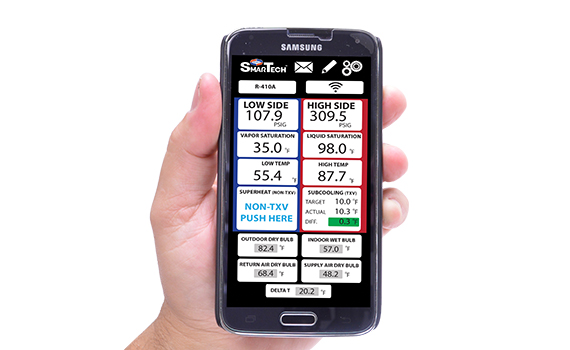
The SmarTech™ Wireless Digital Manifold combines the technology of your Android or iOS device with the superior craftsmanship of Uniweld manufacturing. This Digital Manifold is also equipped with highly precise sensors that output professionally accurate pressure and temperature readings.


Work smarter with the free SmarTech™ app, which communicates with the Digital Manifold via Bluetooth. With 109 refrigerant profiles, it clearly displays system readings and performs real-time monitoring of Superheat, Subcooling and Delta T calculations automatically.
The difference between actual and target Superheat or Subcooling is shown with color indicators that signal whether the system is overcharged, undercharged, or within tolerance — taking the guesswork out of properly charging a system for maximum efficiency and optimal performance.
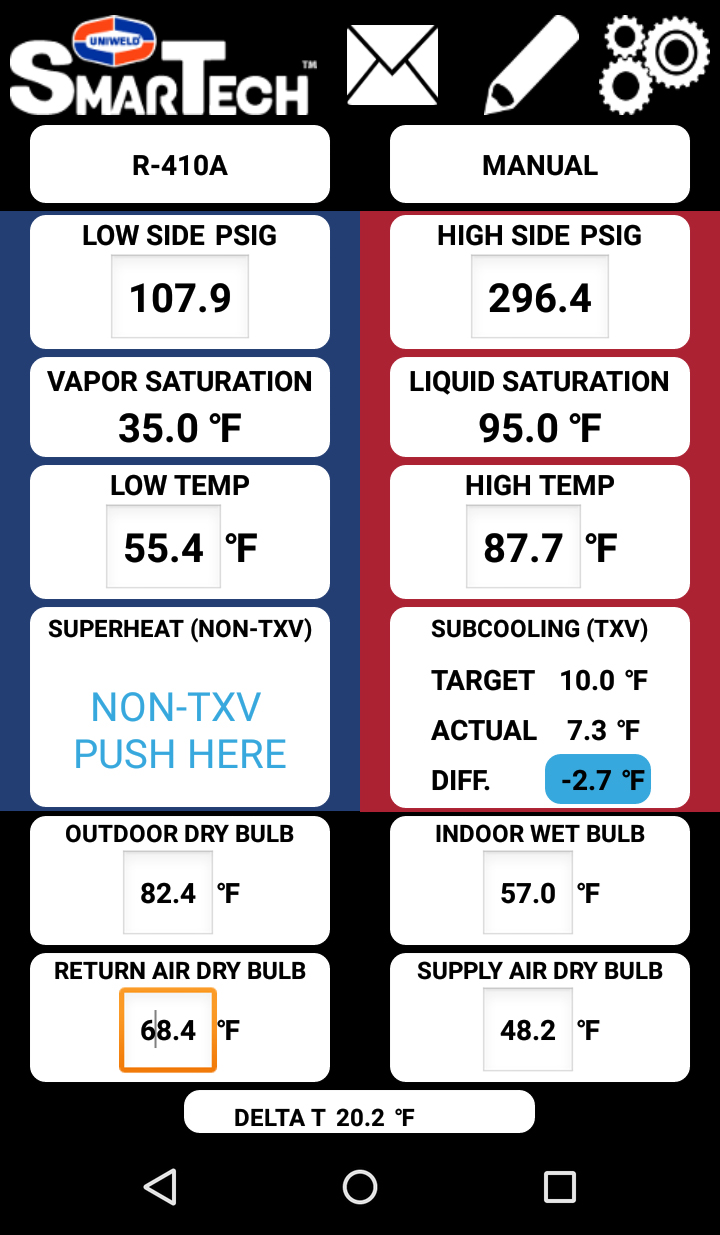
System is undercharged.
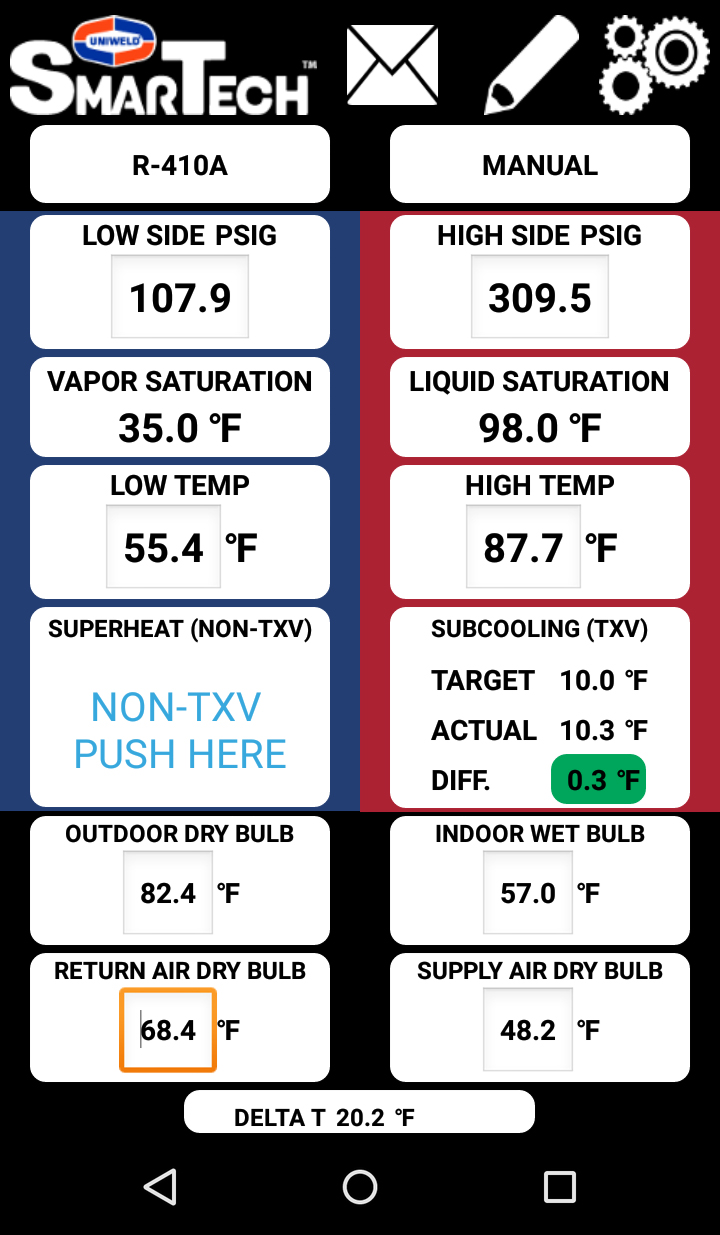
System is within tolerance.
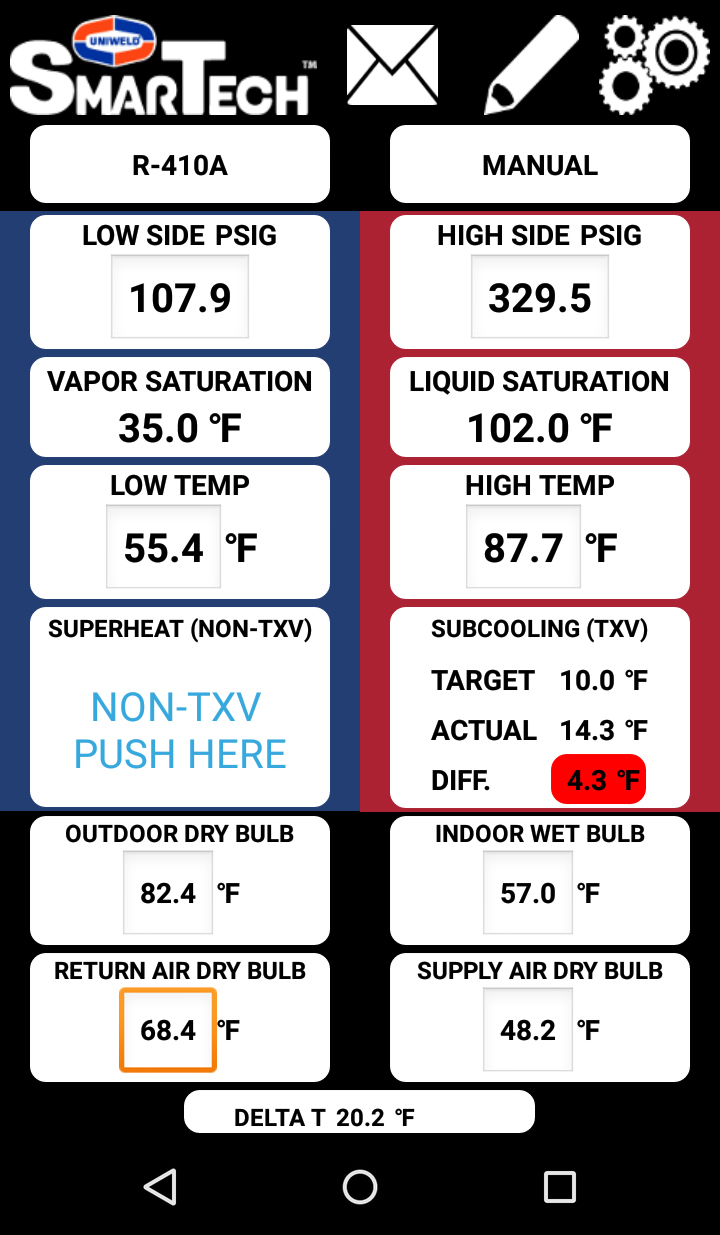
System is overcharged.
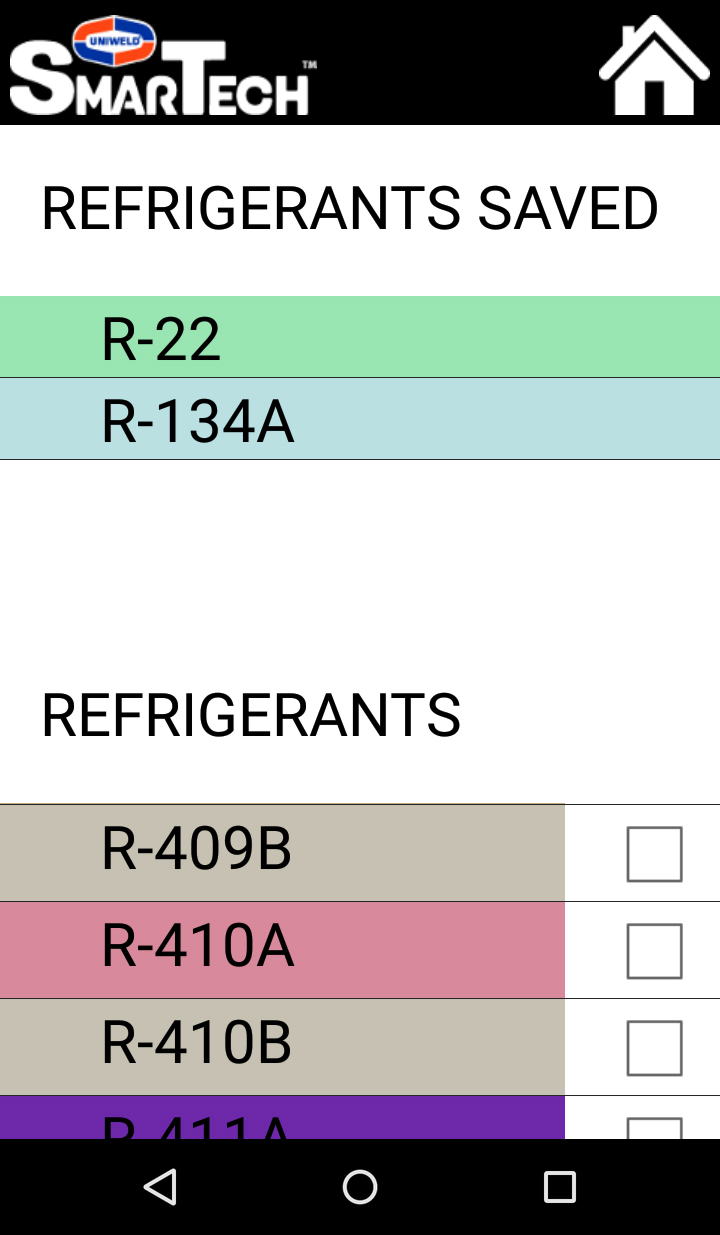 Find a Refrigerant
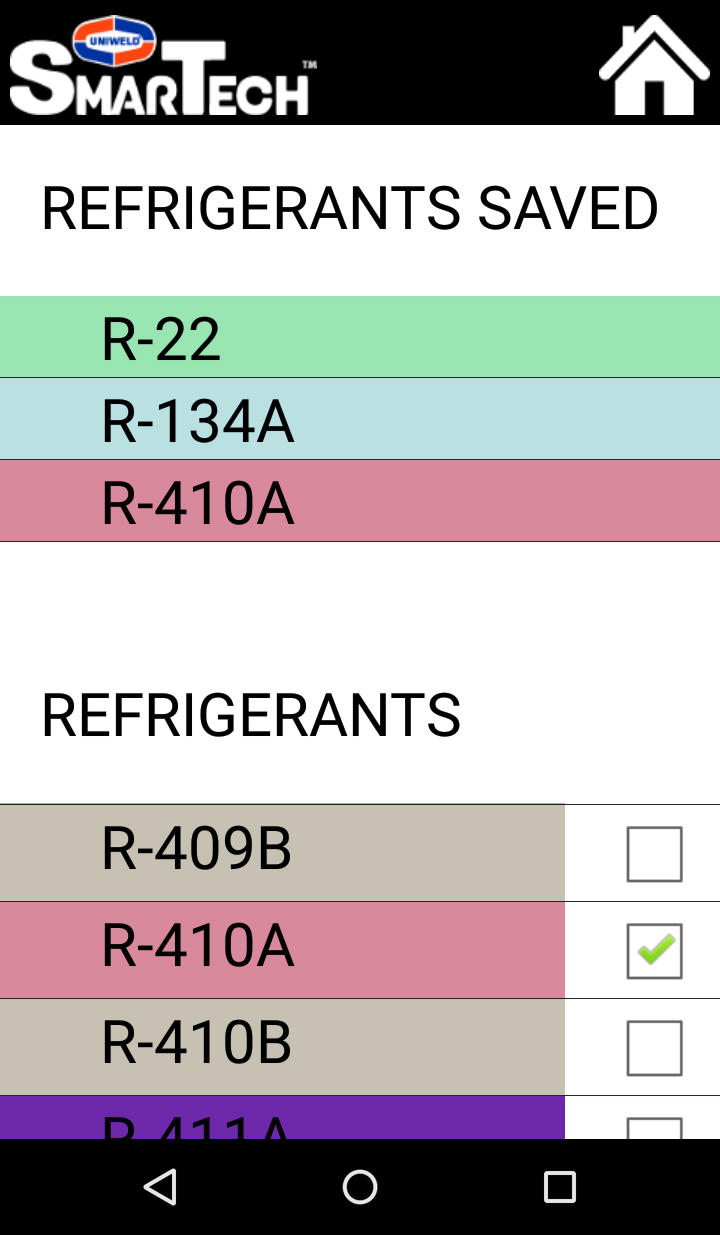 Add to Favorites
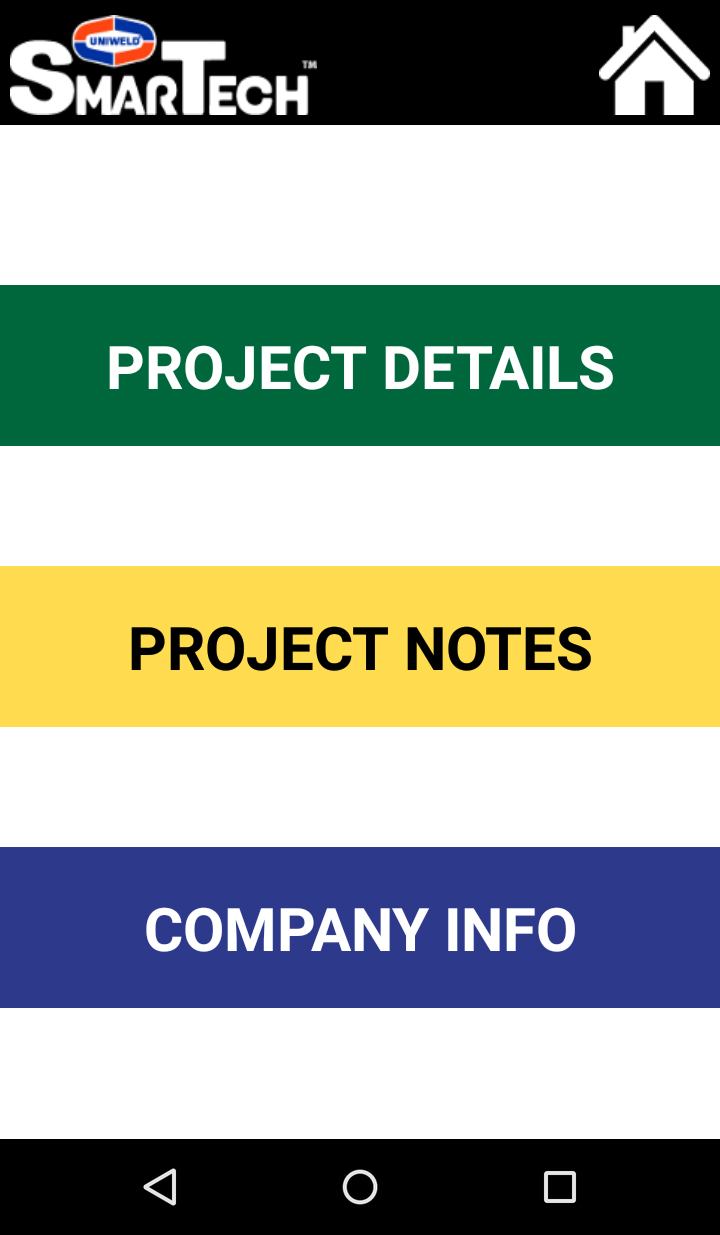 Selection Page
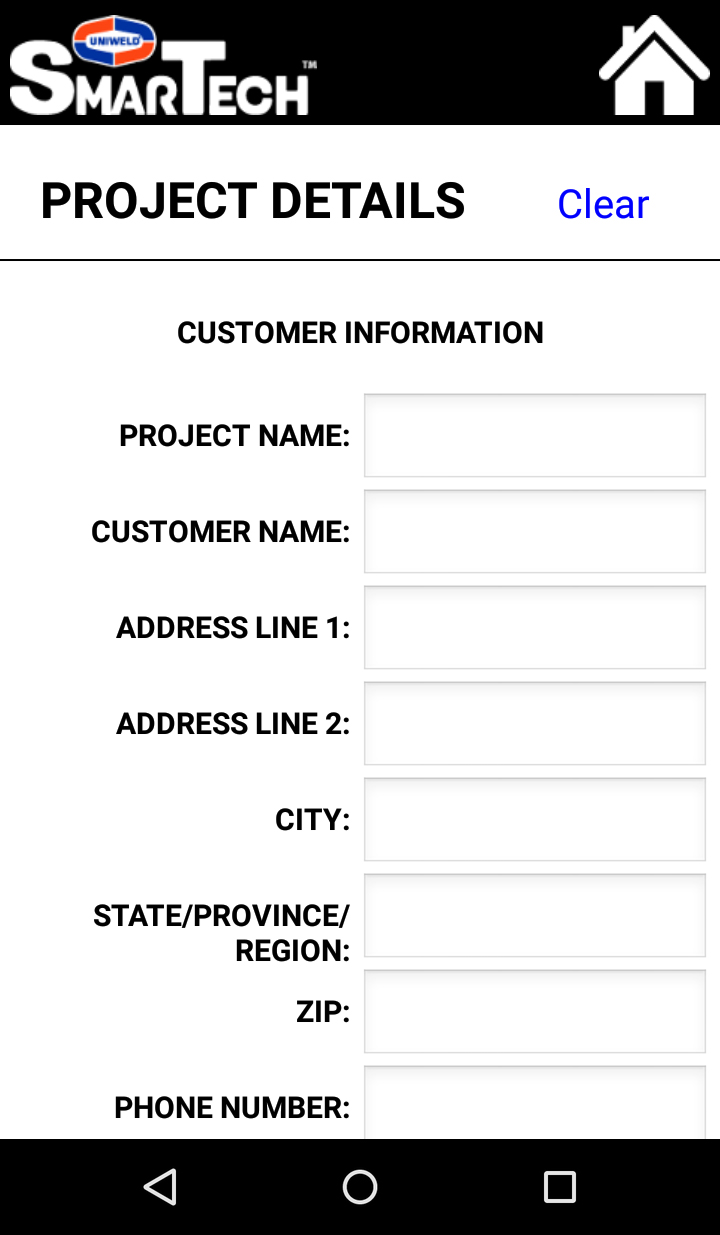 Customer Info
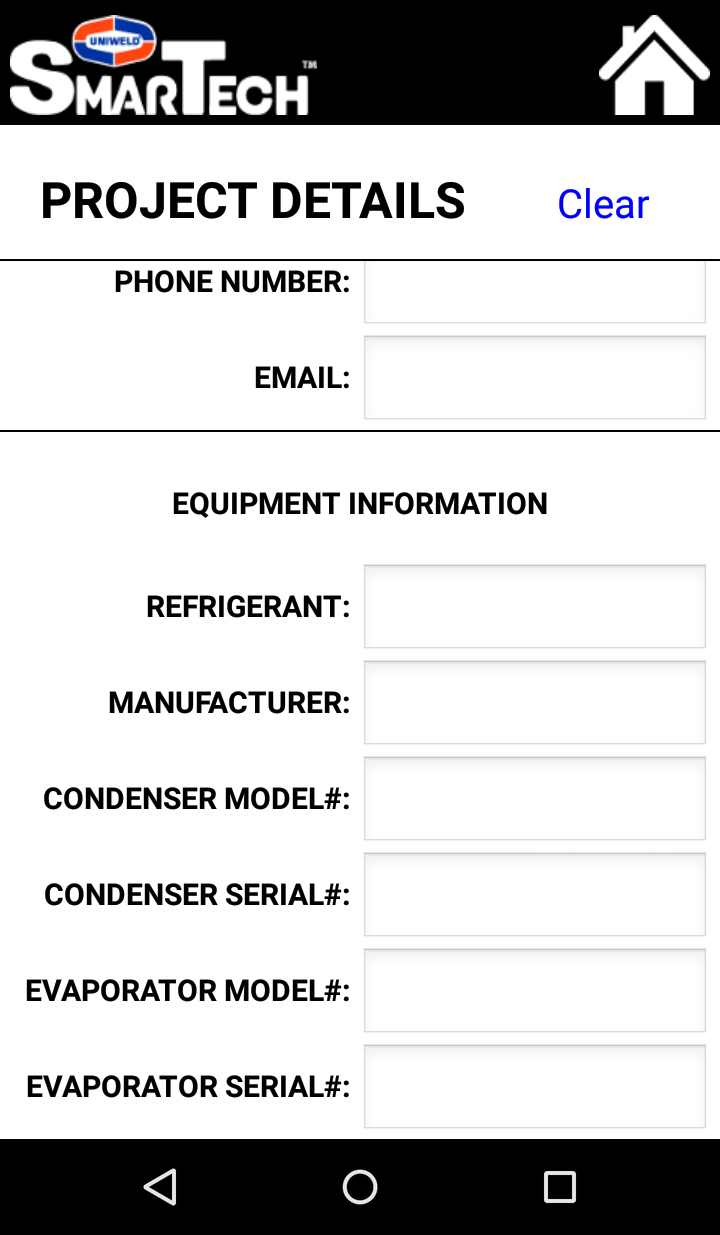 Equipment Info
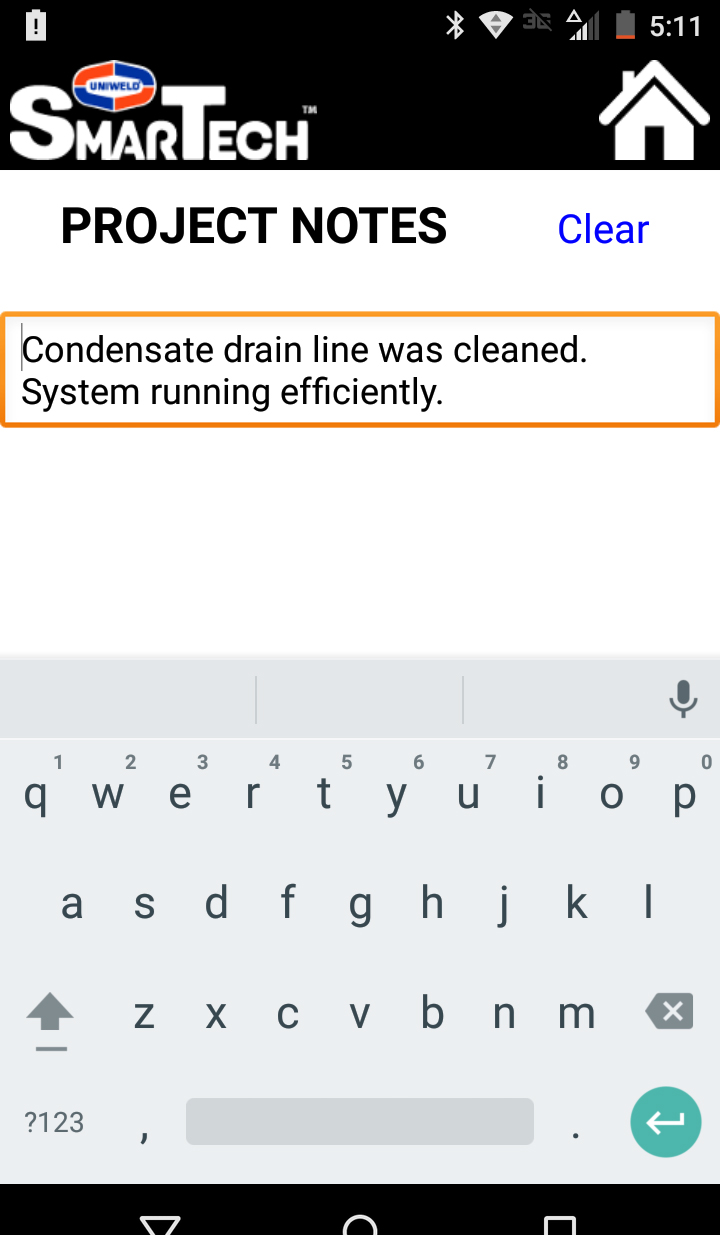 Take Notes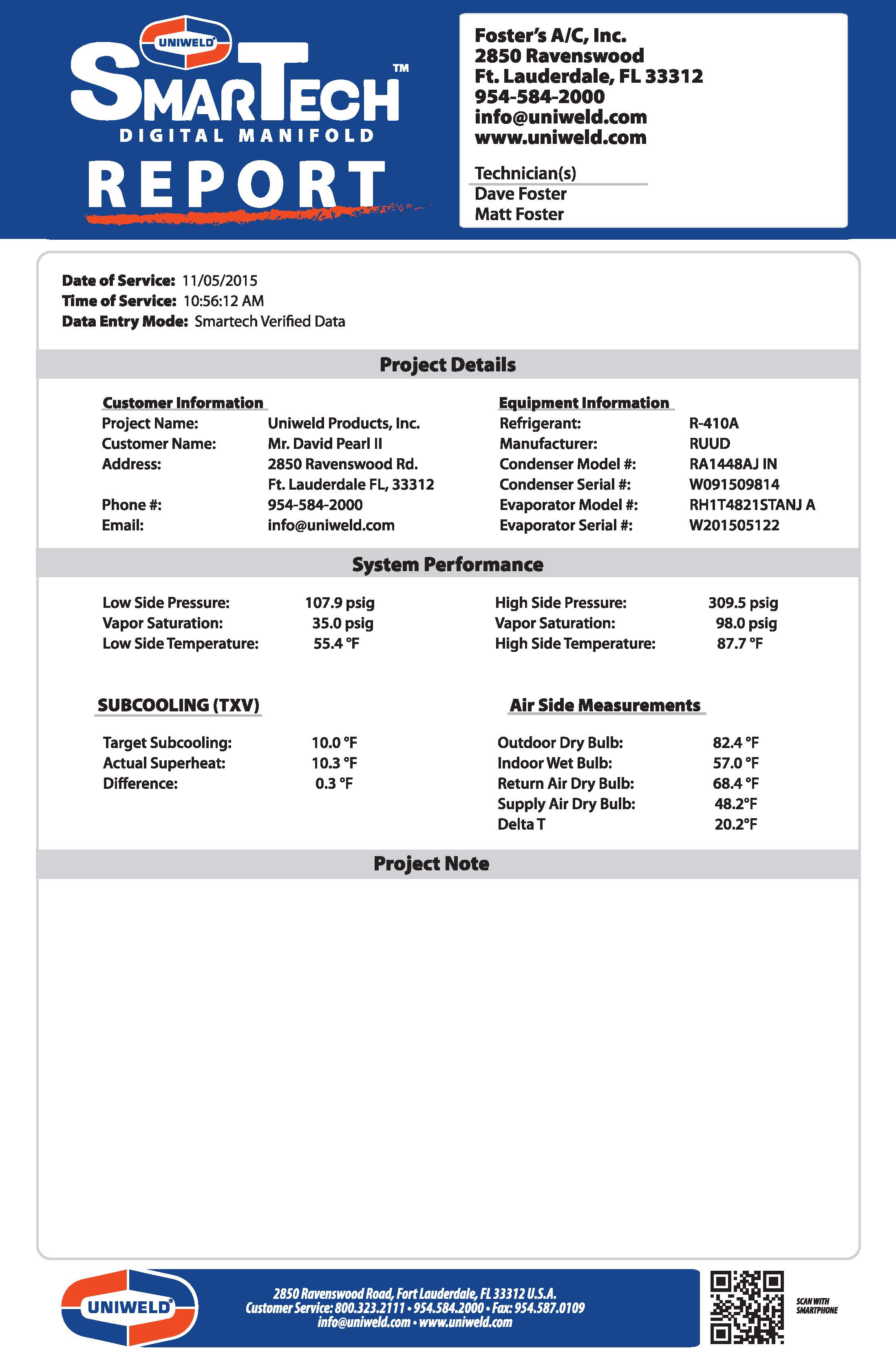
The SmarTech™ app includes an automated system-performance reporting feature. Customize the SmarTech™ Verified Report with company and technician information, then export as a PDF or CSV file that can easily be saved, emailed, tracked, or printed.
Press the gears icon at the top-right of the app home screen and select the type of calibration you would like to perform.
Reset the pressure and temperature sensors to factory default from the app. When successful, “dEF” appears on the meter.
Capture a SmarTech™ Verified System Report to document performance for your customer.